
en:combine_3d
Table of Contents
Module Combine | Register 3D

| Program version | BASIC | 2D PRO | 3D PRO | LAB | OMS |
|---|---|---|---|---|---|
Availablility  |  | |  | | |
not included
included by default
 optionally included
The Combine 3D module provides 2 separate modes for the combination of two 3D findings based on overlapping features to allow additional options for visualization, diagnostics or planning.
First Steps
- Open module with 2 findings
- Select corresponding reference points
- For ICP registration, select surface region
- Switch to tab |Combine| and configure result
- Save result as finding
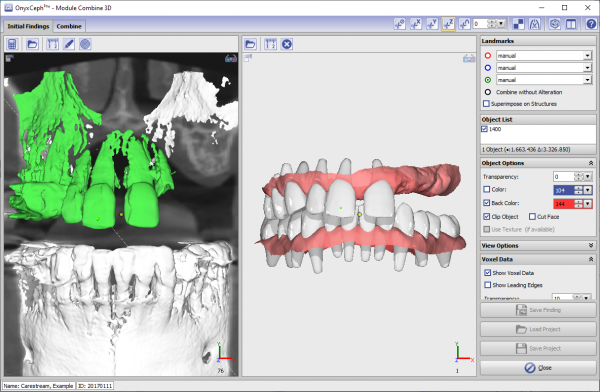
Module user interface
Verweise


en/combine_3d.txt · Last modified: 2024/03/14 14:51 by onyxadmin